- Learn
-
Blogs
- podman
- collections
- cheat sheet
- Webpack
- WSL
- Tools
- Tips
- RxJava
- Retrofit
- RecyclerView
- React
- Project
- Programming
- Picasso
- Outline
- Operator
- Open Source
- Null safety
- Memory
- Fragment
- Flutter
- ES6
- Do it Kotlin Project
- Dagger
- Coroutine
- Composer
- Border
- Babel
- Amazon
- Android
- Angular
- Bootstrap
- Bootstrap 3
- DOM
- Drupal
- Drupal7
- Fuse
- Hoisting
- HTML
- ionic
- Java
- Javascript
- jQuery
- JSON
- Layout
- Linux
- Motion Detect
- Nodejs
- PHP
- Primitive types
- React Native
- ReactJS
- Setting
- Ubuntu
- Views
- Web
- WebView
- Wordpress
- Kotlin
- MusicScore

Kotlin Null Safety Explained: ?, !!, let and Safe Calls
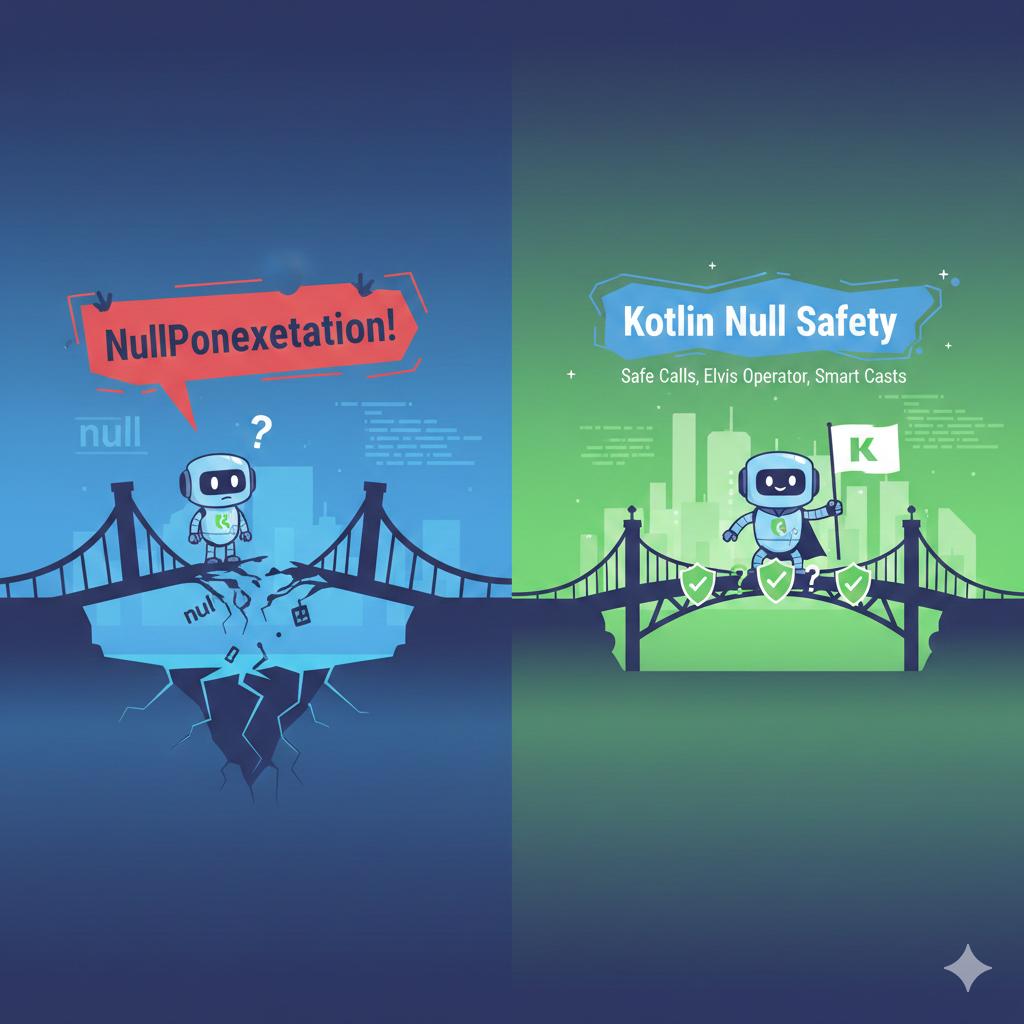
Introduction
One of Kotlin’s biggest advantages over Java is built-in null safety.
If you've written Android apps in Java before, you probably remember how often apps crashed because of a NullPointerException.
Kotlin tries to solve this problem by making nullability part of the type system.
This means the compiler can help prevent many null-related bugs before your code even runs.
In this guide we’ll cover the most important Kotlin null safety tools:
-
Nullable types (
?) -
Safe call operator (
?.) -
Not-null assertion (
!!) -
letwith null checks -
Best practices for Android developers
👉 Korean Tip
코틀린의 가장 큰 장점 중 하나가 Null Safety 입니다.
Java에서 자주 발생했던 NullPointerException 문제를 컴파일 단계에서 줄여주는 기능입니다.
What is Null Safety in Kotlin?
In Kotlin, variables are non-null by default.
This means the compiler will not allow you to assign null unless you explicitly say the variable can be nullable.
Example:
val name: String = "Kotlin"
This variable cannot be null.
If you want a variable that can hold null, you must add ?.
val name: String? = null
👉 Korean Tip
?가 붙으면 null이 들어갈 수 있는 변수가 됩니다.
Safe Call Operator (?.)
The safe call operator allows you to safely access properties of nullable objects.
Example
val name: String? = "Android"
println(name?.length)
If name is null, the expression simply returns null instead of crashing.
👉 Korean Tip
?. 연산자는 null이면 실행하지 않고 null을 반환합니다.
Equivalent Java-style code would look like this:
if (name != null) {
    println(name.length)
}
The Kotlin version is much cleaner.
Using let for Null Checks
One of the most common patterns in Kotlin is combining safe calls with let.
Example
val name: String? = "Kotlin"

name?.let {
println("Name is $it")
}
This block runs only if the value is not null.
👉 Korean Tip
?.let { } 패턴은 코틀린에서 가장 많이 사용하는 null 체크 방식입니다.
The Not-Null Assertion Operator (!!)
Sometimes developers use !! to force a nullable value to be treated as non-null.
Example:
val name: String? = "Kotlin"

println(name!!.length)
If name happens to be null, the app will crash.
👉 Korean Tip
!!는 null이 아니라고 강제로 단정하는 연산자입니다.
하지만 null이면 앱이 바로 crash합니다.
Developer Tip
Avoid using !! whenever possible.
Most experienced Kotlin developers consider frequent use of !! a code smell.
Elvis Operator (?:)
The Elvis operator provides a default value if something is null.
Example:
val name: String? = null

val result = name ?: "Guest"
println(result)
Output
Guest
👉 Korean Tip
?: 는 null일 경우 기본값을 제공하는 연산자입니다.
Common Null Safety Patterns
Here are some patterns you'll see often in Kotlin code.
Pattern 1: Safe call
user?.email
Pattern 2: let block
user?.let {
sendEmail(it)
}
Pattern 3: Default value
val name = user?.name ?: "Guest"
👉 Korean Tip
이 세 가지 패턴은 Android Kotlin 코드에서 거의 매일 사용하는 패턴입니다.
Common Mistakes Developers Make
Using !! too often
This defeats the purpose of Kotlin null safety.
Example:
val name: String? = null
println(name!!.length)
This will crash.
Forgetting nullable types
Sometimes developers forget to mark variables nullable.
Example:
val name: String = null
This will not compile.
Best Practices for Kotlin Null Safety
Prefer safe calls
user?.email
Use let for scoped logic
user?.let {

sendEmail(it)

}
Use Elvis operator for defaults
val username = user?.name ?: "Guest"
👉 Korean Tip
Kotlin Null Safety의 핵심은
-
?. -
let -
?:
이 세 가지를 잘 활용하는 것입니다.
Quick Kotlin Null Safety Cheat Sheet
| Feature | Example | Purpose |
|---|---|---|
| Nullable type | String? |
allow null |
| Safe call | ?. |
avoid crash |
| let | ?.let {} |
null check |
| Elvis operator | ?: |
default value |
| Not-null assertion | !! |
force non-null |
FAQ
Why does Kotlin care so much about null?
Because NullPointerException is one of the most common causes of app crashes.
Kotlin’s type system helps prevent these errors.
Should I ever use !!?
Only when you are absolutely sure the value cannot be null.
Even then, many developers prefer safer alternatives.
What is the most common null handling pattern?
This one:
value?.let { }
-
PREVKotlin Scope Functions Explained: let vs run vs apply vs also vs with (Android Developer Cheat Sheet)
-
NEXTKotlin Collections: map, filter, reduce and More

Updated: 06 Mar 2026
안녕하세요~
Related Contents



Language
Get in touch with us
"If you would thoroughly know anything, teach it to other."
- Tryon Edwards -